
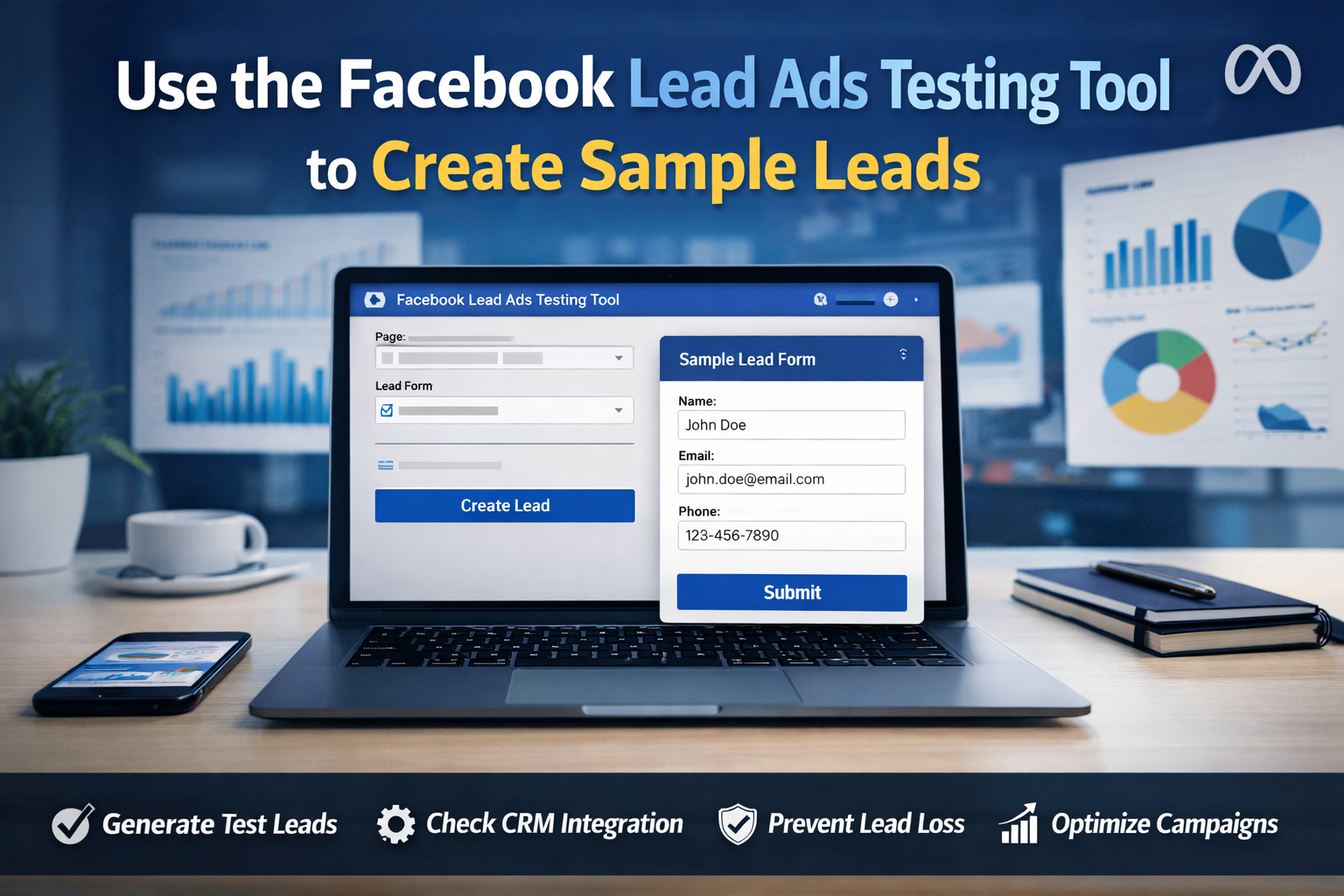
Use the Facebook Lead Ads Testing Tool to Create Sample Leads
A Complete Guide for Marketers to Launch Error-Free Lead Generation Campaigns
In today’s performance-driven digital marketing landscape, Facebook Lead Ads are one of the most effective tools for capturing high-quality leads directly within the Meta ecosystem. However, one critical mistake many marketers make is launching campaigns without fully testing their lead forms and data integrations. This is where the Facebook Lead Ads Testing Tool becomes essential.
This powerful tool allows marketers to generate sample (test) leads without running live ads or spending budget, ensuring that everything works perfectly before going live.
What Is the Facebook Lead Ads Testing Tool?
The Facebook Lead Ads Testing Tool is an official Meta feature designed to help advertisers and developers test how lead data is sent from Facebook Lead Forms to external systems such as:
- CRM platforms (HubSpot, Salesforce, Zoho, etc.)
- Automation tools (Zapier, Make, custom APIs)
- Email marketing platforms
- Internal sales dashboards
Instead of relying on real users to submit forms, you can create sample leads that simulate real submissions.
Why Creating Sample Leads Is Critical
Testing is not optional if you want scalable and reliable lead generation. Using sample leads provides several key benefits:
1. Verify CRM & Integration Accuracy
Ensure that all fields (name, email, phone, custom questions) map correctly to your CRM.
2. Prevent Lead Loss
Broken integrations can cause real leads to disappear without notice—testing eliminates this risk.
3. Validate Automation Workflows
Confirm that follow-up emails, SMS, task assignments, and notifications trigger correctly.
4. Save Budget
Avoid spending ad money just to test whether your system works.
How to Use the Facebook Lead Ads Testing Tool (Step-by-Step)
Step 1: Access the Testing Tool
Go to Meta for Developers or your Lead Ads integration settings and open the Lead Ads Testing Tool.
Step 2: Select Your Facebook Page
Choose the Facebook Page connected to your Lead Ad form.
Step 3: Choose the Lead Form
Select the specific lead form you want to test.
Step 4: Create a Sample Lead
Click “Create Lead”. Meta will instantly generate a test lead with sample data.
Step 5: Check Data Delivery
Verify that the lead appears correctly in:
- Your CRM
- Automation tools
- Email systems
- Sales notifications
Best Practices for Testing Facebook Lead Ads
- Test every new lead form before launch
- Re-test after any form update
- Validate custom questions and dropdown fields
- Check data formatting (phone numbers, country codes)
- Test multilingual forms if applicable
- Involve your sales team in validation
Common Mistakes to Avoid
❌ Testing only once
❌ Ignoring webhook errors
❌ Not testing CRM field mapping
❌ Forgetting privacy or consent fields
❌ Assuming integrations “just work”
Sample Leads vs. Real Leads
|
Feature |
Sample Leads |
Real Leads |
|
Cost |
Free |
Paid |
|
Data Source |
Simulated |
Real users |
|
Used for |
Testing & QA |
Sales & conversions |
|
Affects ad reporting |
No |
Yes |
When Should You Use the Testing Tool?
You should create sample leads when:
- Launching a new Lead Ads campaign
- Connecting a new CRM or automation tool
- Modifying an existing form
- Training new team members
- Troubleshooting missing leads
Why Professional Marketers Never Skip Testing
High-performing marketers know that lead generation is only as good as the system behind it. Even the best ad creative is useless if leads don’t reach the sales team correctly. The Facebook Lead Ads Testing Tool ensures data accuracy, process reliability, and campaign scalability.
Final Thoughts
Using the Facebook Lead Ads Testing Tool to create sample leads is a simple yet powerful step that dramatically improves campaign success. It protects your budget, your data, and your reputation as a marketer.
If you are serious about lead generation, testing is not optional—it’s mandatory.
0 Comments